Buying Guides
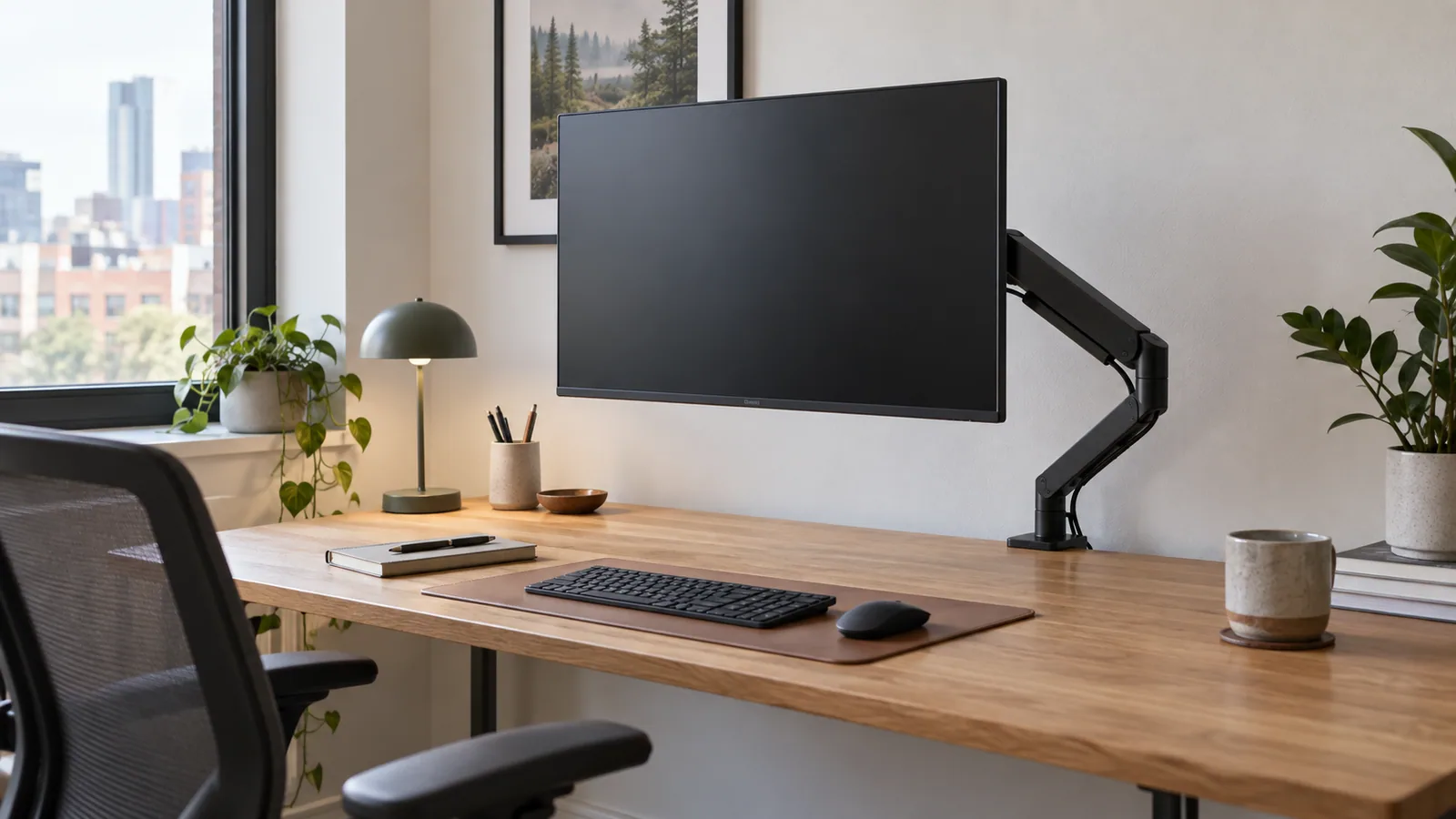
Best Monitor Arms for Small Desks
Space-conscious monitor arms compared by fit, adjustment range, mounting needs, and everyday trade-offs.
Our guides begin with your desk, devices, and routine—not a ranking.
How we research →40 articles
Space-conscious monitor arms compared by fit, adjustment range, mounting needs, and everyday trade-offs.
A practical guide to support, tilt control, and desk compatibility for wider and heavier displays.
Compare desk space, adjustability, installation, stability, and cost for two common display setups.
Fixed and adjustable laptop stands assessed for screen height, stability, ventilation, and desk fit.
How to choose a laptop stand by posture, portability, material, adjustability, and workflow.
Task lights compared by coverage, controls, glare management, and footprint.
Compact clamp, monitor-mounted, and small-base lighting options for tight work surfaces.
A no-hype framework for fit, adjustment, materials, and return policies.
Compact office-chair formats compared for footprint, arm design, comfort, and storage.
Compare cost, movement options, stability, setup complexity, and who benefits from each.
Trays, channels, clips, sleeves, and power placement compared by desk type and access needs.
USB-C hubs compared by host compatibility, display output, data ports, networking, and power planning.
Keyboard layouts and switch styles compared for typing volume, noise, device switching, and desk space.
A clear comparison of feel, sound, durability, price, and office suitability.
Productivity mice compared by shape, controls, scrolling, connectivity, and software dependence.
Portable chargers assessed by device mix, port sharing, cable needs, and travel footprint.
Low-profile trays, vertical sorters, and modular storage compared for tiny work surfaces.
A restrained shortlist of accessories for comfort, calls, power, and daily organization.
Set monitor height using eye line, viewing distance, posture, and screen size.
Find a practical starting height and tune it for keyboard, mouse, monitor, and footwear.
A serviceable cable-routing method from wall outlet to device.
Simple zones, storage decisions, and reset habits for a calmer work surface.
Plan a compact workspace around movement, light, storage, and the work you actually do.
Tune viewing distance by screen size, text scale, resolution, and visual comfort.
Primary-screen, centered, and angled layouts for different workflows.
Position a laptop and monitor without creating a low secondary screen or awkward reach.
Use angle, height, beam direction, and ambient light to illuminate work without reflections.
Adjust support height and depth without forcing an exaggerated arch.
Use body and desk measurements to narrow chair fit before ordering.
When a mat helps, when shoes or movement matter more, and what to evaluate.
Understand normal heat, high-load conditions, placement, and warning signs.
A low-risk routine for dust, oils, and debris without flooding electronics.
Balance face light, background brightness, color, and screen glare for clearer calls.
Reversible clips, sleeves, trays, and tension-based routing for rental or delicate desks.
Adjust keyboard height, angle, reach, and typing habits for a more neutral setup.
Set pointer speed by control, display size, and movement comfort rather than chasing a number.
A repeatable checklist for paper, cables, supplies, surfaces, and next-week readiness.
Build a calm, credible background with depth, light, and fewer distractions.
Label, group, place, and retire charging gear so the right cable is easy to find.
A practical sequence for chair, input devices, monitor, light, and movement.