Practical answer
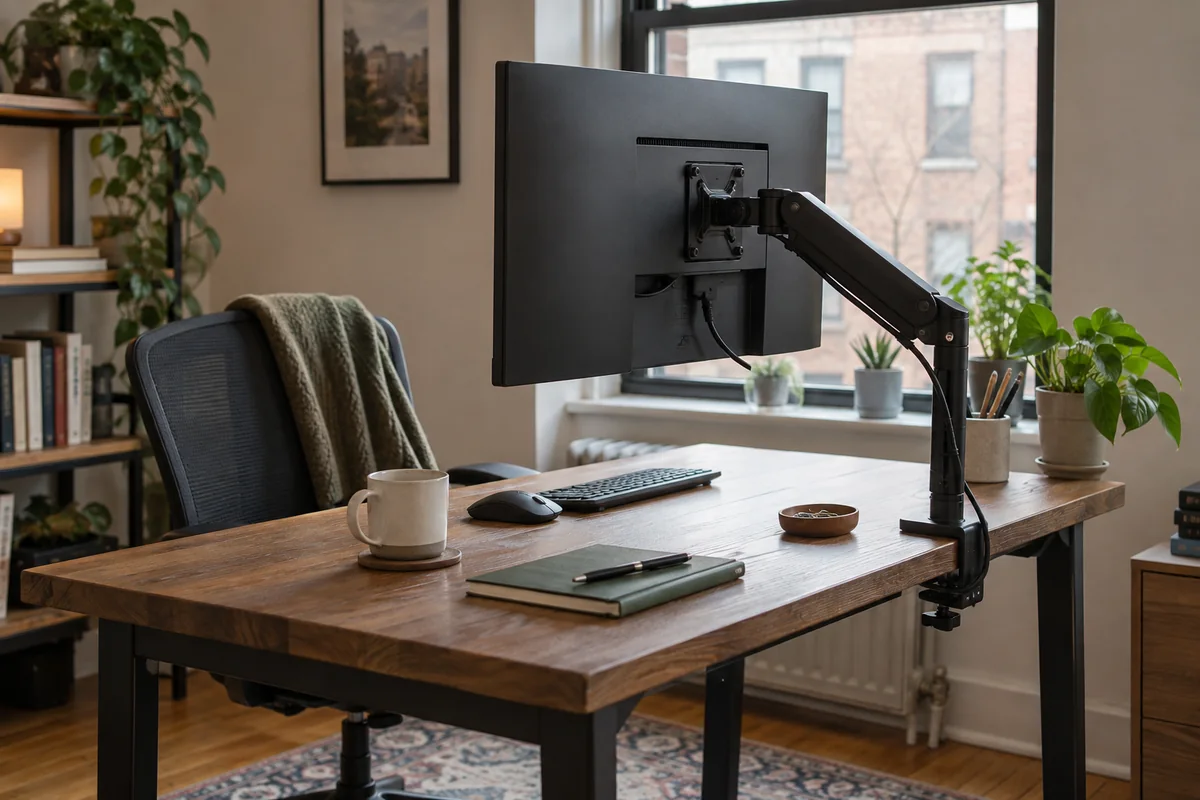
Choose a monitor arm when you need repeatable height or depth changes, want to clear the original stand footprint, and have a desktop that can accept the mount. Keep the original stand when it already reaches the required position and simplicity, low installation risk, or frequent desk moves matter more.
An arm is not automatically more ergonomic. Both supports must place the active screen at the right height and distance; the difference is how much installation, motion and desk loading you accept to get there.
- Choose by required movement, not appearance
- Include adapters and reinforcement in total cost
- Inspect the desktop before clamping
- Keep the original stand if it already solves the setup
Winner by workspace scenario
| Scenario | Usually simpler choice | Reason to choose the other |
|---|---|---|
| Single screen, fixed position, adequate desk depth | Original stand | Arm can reclaim the stand footprint |
| Sit-stand desk with frequent screen adjustment | Monitor arm | A tall adjustable stand may be sufficient |
| Fragile, glass, hollow-core or restricted desktop | Original stand | Use an arm only with explicit desk and mount approval |
| Very shallow desk against a wall | Depends on geometry | A stand consumes surface depth; an arm may also require rear elbow clearance |
| Shared workstation | Monitor arm | A stand works when its height range and adjustment effort suit all users |
Compare complete cost and risk
- Arm cost may include a VESA adapter, heavy-duty pivot, reinforcement plate, grommet hardware or longer cables.
- The original stand costs nothing extra, but a separate riser can consume surface area and limit depth adjustment.
- An arm creates a concentrated load at the clamp or grommet; the desktop construction matters as much as thickness.
- A stand travels with the monitor and is easier to restore, while an arm adds installation and retuning after a move.
Run a no-purchase test first
- Set the chair, keyboard and viewing distance before changing the display support.
- Use books or a stable temporary riser only to estimate the required screen height; do not leave an unstable stack as a permanent solution.
- Mark the surface occupied by the stand and the rear clearance an arm would require.
- If the stand reaches the target without blocking work, keep it. If not, measure VESA, load and desk mounting conditions for an arm.
Questions people ask
Does a monitor arm save more desk space?
It removes the original base, but the arm may move the display forward or require a clamp zone. Compare usable keyboard depth and wall clearance after installation.
Is a monitor arm safer for a sit-stand desk?
Not automatically. The arm, display, cables and desktop must remain stable through full travel. A suitable adjustable stand may also move safely with the desk.
Can I use an arm without a VESA mount?
Only with an adapter explicitly designed for the exact monitor and arm. An improvised attachment is not a compatibility solution.
Sources and methodology
These sources support the setup logic and boundaries above. Check product-specific instructions before making a purchase or changing electrical equipment.
- Computer Workstations Evaluation Checklist — U.S. Occupational Safety and Health Administration ↗Monitor height, distance, and multiple-monitor placement checkpoints.
- Office Ergonomics — Positioning the Monitor — Canadian Centre for Occupational Health and Safety ↗Viewing angle, viewing distance, corrective-lens, wide-screen, and multiple-monitor guidance.
- LX Desk Monitor Arm — Ergotron ↗Official mounting, capacity and adjustment documentation used to identify arm-specific requirements.